
ZerdeliApp
EdTech platform: module for purchasing and taking practice tests for students
Designed the interface
My contribution covers the design of the presented screens and journeys.

The challenge
ZerdeliApp is a large educational platform. My task — design one specific module: a section for students where they can purchase practice tests and take them.
The module needed to fit organically into the overall platform, meet all client requirements, and be as simple and intuitive as possible for schoolchildren.
These screens represent my contribution. Other parts of the live product may have been designed by the wider team.
One module within a larger platform
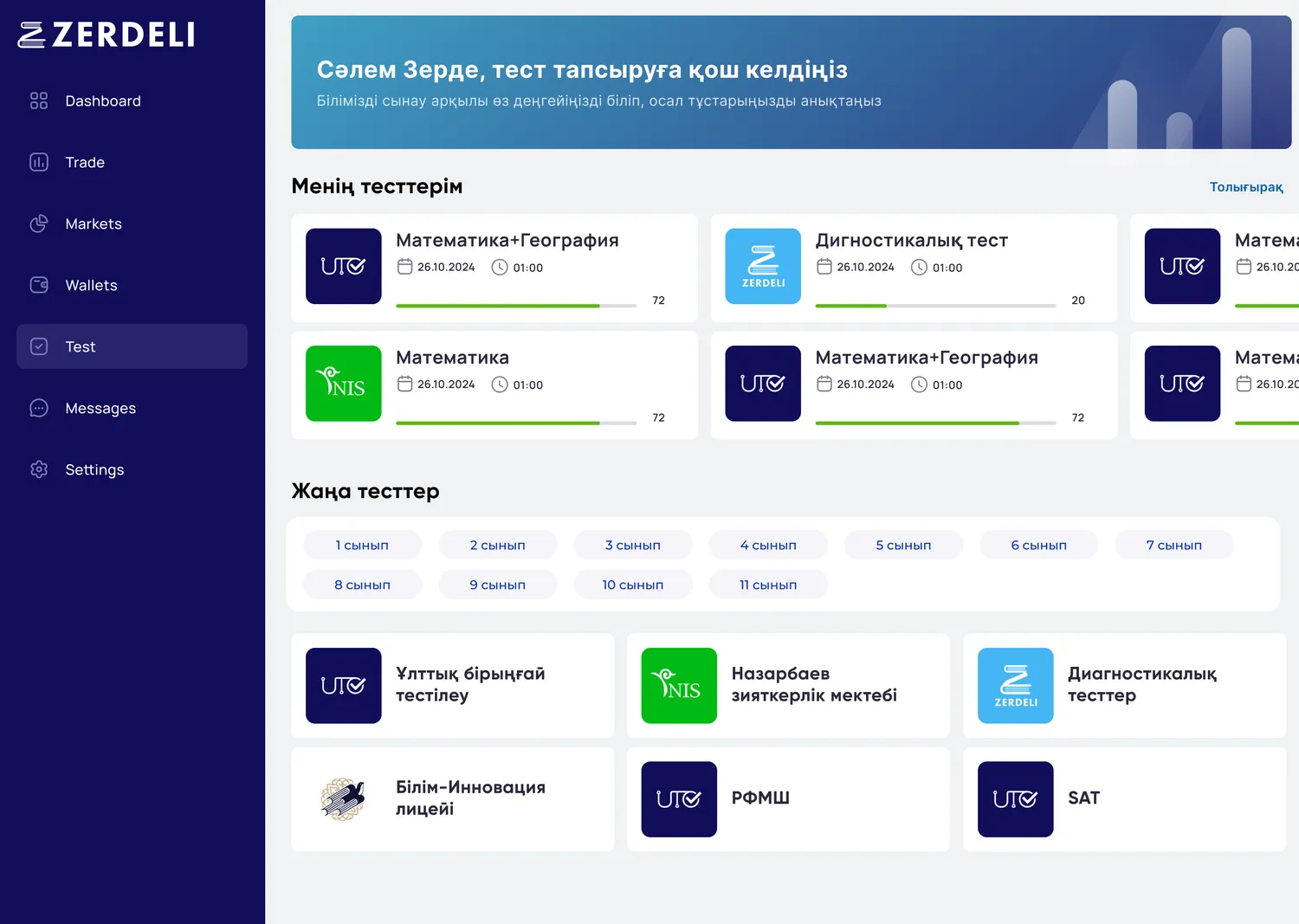
My scope was the student module for purchasing and taking practice tests. This case covers that journey rather than claiming the entire education platform. The catalog separates available tests, new options and exam types.
Find the right test and understand the purchase
Subject chips act as quick filters on mobile. Cards show the test package, duration and price. The purchase screen exposes subjects, a promo-code option and the total before buying.
Make progress visible during the test
The timer sits at the top. The subject list uses distinct status markers, with completed items in green. Ending the test is a separate red action. The question screen reserves most space for the task and answer choices.
States are part of the interface
The source UI kit includes button sizes and variants, hover, pressed and disabled states, toggles and choice controls. These foundations support the module’s repeatable interaction patterns.
More project screens8 ↗
The project’s character
The outcome
The testing module fits organically into the overall platform architecture.
Clean design without extra elements reduces cognitive load during the test — the student focuses on the task, not the interface.
Full mobile adaptation gives access to tests anywhere and from any device.